Documentation · Overview
n7kel Vakhta platform overview
Purpose, components, operating principles, functions and operating modes of the staff video analytics platform, plus the n7kel product line. A document for heads of security, IT and procurement.
Version 1.0, October 11, 2026. This document is for information purposes only, describes a standard delivery and does not constitute an offer. The scope of work and terms are set out in the contract.
1. Purpose
1.1. n7kel Vakhta (hereinafter, the platform) is a software system for staff video analytics on site. The platform analyzes the video stream from IP cameras that are already installed, records staff-related events together with the supporting evidence, passes violations to responsible persons for review, and produces analytics on how work at the site is organized.
1.2. The platform is used at sites with permanent staff posts: fuel stations, production sites, warehouses, sales floors, cash handling areas, healthcare and office facilities.
1.3. n7kel AI is trained and tested on ordinary 2D images, so the cameras you already have are suitable. 3D cameras are supported too, if they are already on site or the task requires them.
1.4. Recognition is performed by n7kel AI locally, on site equipment. No foreign or cloud recognition services, external APIs or subscriptions are used, and the video stream is not transmitted outside the site.
1.5. n7kel AI is trained further for the client’s tasks — new actions, objects, uniforms, procedures and scenarios — on annotated examples from the site, at the client’s decision.
2. Platform components
2.1. The platform consists of:
- the n7kel on-site unit — a computing device installed at the site. It receives video from cameras, performs recognition, records events with a frame and a video clip, signs them and adds them to a chain of records;
- the server — stores events, violations and POS transactions, performs POS reconciliation, produces analytics, sends notifications and provides an interface for external systems;
- the web interface — the users’ workspace in a browser: dashboard, violations, event log, analytics, checkout, integrity, reference data, settings;
- the independent evidence verification program — allows an exported evidence package to be verified on any computer without contacting the server and without the vendor’s involvement.
2.2. The server is hosted on the client’s hardware (autonomous option) or in a data center in the client’s country (hybrid option). The options are described in the Deployment document.
3. Operating principles
3.1. The platform operates on five principles. They should be taken into account during deployment and when reviewing events.
- Raw video never leaves the site. Only events, a frame captured at the moment of the event and a short video clip of the event (about 10 seconds: 5 before and 5 after) are transmitted outside the site. In the autonomous option nothing is transmitted outside.
- Silence over noise. If an action or object is not clearly visible, the result is “undetermined”, not a violation. A false accusation is considered worse than a missed event; the share of false alarms is the first quality indicator and the first indicator on the dashboard.
- Evidence together with the event. Every event is signed by the on-site unit at the moment it is recorded and added to the chain of records together with fingerprints of the frame and video clip. Retroactive editing is detected by verification.
- A person makes the decision. A violation is a signal for review by a responsible person. No measures are taken against an employee automatically; a violation can be closed only with a comment, including as a “false alarm”.
- “No reference” is not a mismatch. If there is nothing to compare a person with (no consent or no reference), the platform draws no conclusions about identity and makes no accusations.
4. Functions and modules
The set of modules in a specific delivery is determined by the license.
| Module | What the user gets |
|---|---|
| Post occupancy | Who is at which post, which posts are unattended and for how long; absences and returns with their duration. |
| Personal protective equipment | A violation when PPE required for the post is missing: high-visibility vest, helmet, gloves — with a frame and a video clip. |
| Hazardous zones | Entry into a marked hazardous zone is a critical event with an immediate notification. |
| Personal safety | A person on the floor; operation in insufficient light is flagged separately, without false violations. |
| Staff identification | Matching against reference images only for employees with written consent; a separate “no reference” status that is never treated as a mismatch; “working under someone else’s account”. |
| Wanted-list checks (separate module) | Vehicle license plates and visitors’ faces are checked against the wanted lists of the Ministry of Internal Affairs, the National Security Committee and other authorized bodies — only if the client requires it, under an agreement with the relevant government authorities and in accordance with the law. In the event of a match, a notification goes to an authorized member of the client’s security department and, as the agreement provides, to the authority. |
| Fuel Station Checkout | Cashier actions are reconciled with POS transactions: off-till sale (not rung up), refund without a customer, drawer opened without a receipt or with no customer present, wrong employee at the till, customer waiting, drawer left open. |
| Workplace actions | Informational flags: phone calls, smoking, eating, sleeping, counting cash, cleaning. Enabled at a specific post at the client’s decision. |
| Evidence base | Frame, video clip, record protection, integrity check, evidence package for independent verification. |
| Analytics | Share of false alarms, breakdowns by site, shift, employee, type and time, “before and after deployment” trends, “what to change” recommendations, checkout analytics; CSV and XLSX export. |
| Notifications and integration | Webhooks, e-mail, Telegram; REST API with keys that have separate permissions; integration with virtually any client system. |
| Activity log | Who did what in the system and when, including every view and download of evidence. |
| Equipment status | On-site unit connectivity, license status, stream quality, camera suitability score on a 0–100 scale. |
| Condition assessment (auxiliary) | Fatigue and stress relative to the person’s own baseline. Off by default, can be fully disabled in the settings, never creates or escalates violations. |
Web interface
User workspace
The dashboard shows sites, posts, connected checkouts and open violations with priority and response deadline. Data updates without reloading the page.
- violation card: frame, video clip, POS transactions closest in time, history and comments;
- review: “in progress”, “resolved”, “false alarm” — with a mandatory comment;
- the user’s role determines which sections and sites are available to them.
Shift events
- 09:41Card payment, receipt matchedTill 1Matched
- 09:38Drawer opened without a receiptTill 2Violation
- 09:35Customer waiting over 2 minTill 2Attention
- 09:31Post empty for 4 minWarehouseAttention
- 09:27No helmet in the fuel unloading areaForecourtViolation
- 09:20Sales floor cleaningShopAs scheduled
Every event comes with a frame and a video clip
5. Fuel Station Checkout module
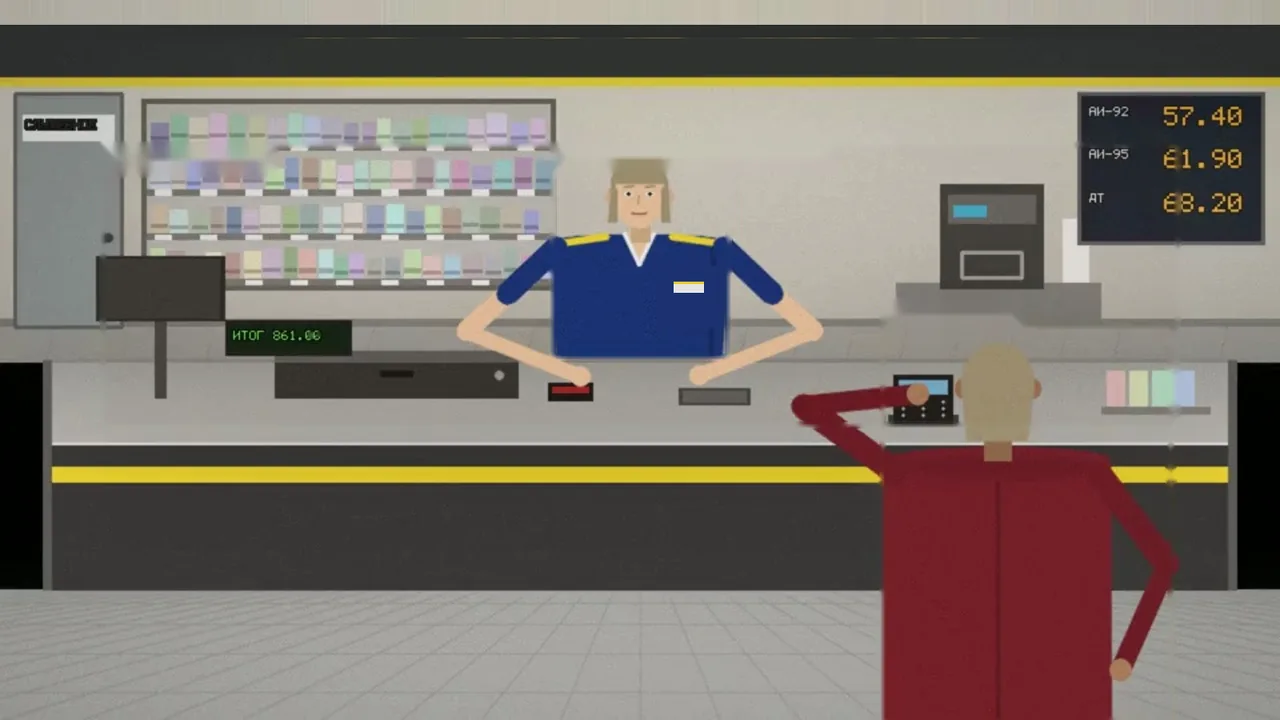
5.1. The module compares what the camera above the cashier’s position saw with POS transactions. A violation is opened only when the discrepancy is confirmed by both the video and the POS data.
5.2. The camera records the opening of the cash drawer, payment via the terminal, goods being handed to a customer, a customer’s presence at the counter and who is working at the till. The POS system sends receipts, refunds, voids, no-sale transactions, cashier logins and shifts — via API or as a CSV/XLSX file.
5.3. A violation is not opened if there is no POS data for that moment; if the camera did not register a customer when goods were handed over; if the cashier’s login is not mapped to an employee or the employee has no reference; or if the logged-in employee was the one working at the till. A receipt that arrives late clears the violation automatically.
6. Operating modes
Defaults for the hybrid option: up to 72 hours without connection — normal mode; up to 7 days — restricted mode; after that, processing is suspended until the connection is restored. These periods can be changed by contract.
| Mode | Description |
|---|---|
| Normal | The on-site unit is connected to the server, the license is valid, and data updates in the web interface in real time. |
| No connection to the server | The on-site unit continues analysis, accumulates signed events and, once the connection is restored, transmits them strictly in order. |
| Restricted | After a prolonged loss of connection (hybrid option): the number of cameras processed is limited, registration of new reference templates is blocked, and a warning is shown in the interface. |
| Autonomous | For the autonomous delivery option: there is no external connection, and all functions run on the client’s hardware. |
7. Restrictions and confidentiality
7.1. Any restrictions the client needs are put in place at the client’s request: which cameras, posts, zones and modules are enabled, what is recorded, retention periods, and which users have access and with what rights.
7.2. In every case, all information remains confidential and is not shared with third parties. The only exceptions are those expressly provided for by the contract and the law: transfer of match information to the authorized body when the wanted-list check module is enabled (under an agreement with that body), and processing on the client’s instructions in the hybrid option.
7.3. Visitor recognition is off by default. It is enabled only by the client’s decision, as a separate module, and only on a lawful basis: the person’s consent or an agreement with the authorized government bodies. Employees are identified only with their written consent.
7.4. A responsible member of the client’s staff makes the decision on every signal; no measures are taken against employees automatically.
8. Users and roles
8.1. User permissions are determined by role: organization administrator, occupational safety or security specialist, site manager (assigned sites only), auditor (view only). Accounts are personal, and every action is logged under the user’s name.
8.2. Vendor specialists access the client’s data only at the client’s request, and every such access is recorded in the client’s activity log. In the autonomous option the vendor has no access to the data. See the Security and personal data document for details.
9. The n7kel product line
The products are built on the same n7kel AI and a common event model; they can be deployed separately or together.
| Product | Purpose |
|---|---|
| n7kel Vakhta | Staff video analytics on the cameras you already have (this document) |
| n7kel Fuel Station Control | Operations control and fraud prevention across a fuel station network |
| n7kel Antifraud | AI anti-fraud for stores and checkouts |
| n7kel Voice | Speech-to-text and speech analytics in any language; the price depends on the number of languages |
| n7kel Flow | Visitor flow analytics; individual analytics only with consent |
| n7kel Access | Access control, security entry airlocks, patient face check-in |
| n7kel Atlas | A platform for working with large data sets and distributing tasks |
10. Related documents
- DeploymentPDF
Requirements for cameras, network, server and workstations; hosting options; installation procedure.
- Security and personal dataPDF
What stays on site, roles and access, log, evidence integrity, retention periods, data subject rights.
- Integrations, REST API and webhooksPDF
Connecting the POS system, 1C, security systems and notifications.
- Pilot procedurePDF
Steps, timelines and success criteria for a pilot project.
Questions about the documentation
We will answer questions from security, IT, legal and procurement, survey your site and prepare a proposal.