Product · n7kel Antifraud
n7kel Antifraud — AI anti-fraud for stores and checkouts
Checkout losses rarely show up in reports: the receipt is correct, but goods left without being paid for; a refund was processed, but there was no customer. n7kel Antifraud matches what the camera above the checkout sees against what the POS system recorded and reports any discrepancy with a frame, a video clip and the receipt lines.
Mismatches for review
- 110:11:42Drawer opened without a receiptCashier 03New
- 210:16:20Refund without a customerCashier 03In review
- 310:21:55Goods handed over without scanningCashier 03New
What it detects
Schemes n7kel Antifraud detects
Cashier actions vs. receipts
Every cash drawer opening, scan, handover of goods and payment is matched against till transactions by time.
Refunds and voids without a customer
The till recorded a refund or a void, but at that moment the camera saw no customer at the checkout.
Drawer opened without a receipt
The cash drawer is opened, but there is no receipt, refund or “no sale” transaction close in time.
Unscanned items
Goods are handed to a customer but do not appear on the receipt: not all items are scanned, a cheaper item is scanned instead, or nothing is scanned at all — so-called sweethearting.
Working under someone else’s login
The till is logged in under one employee’s account while a different employee is working at it. Identification applies only to employees who have given written consent.
Receipt reconciliation and chain analytics
Reconciliation of receipts with transactions, recurring schemes by checkout, cashier, shift and store, comparison of stores across the chain.
Who it is for
Who needs the product
Retail chains
Supermarkets, convenience stores and specialty retail with self-checkouts and staffed checkouts.
Security department
Discrepancies right away, with evidence, without hours of reviewing the archive.
Operations director
A picture of losses by store and shift, and what to change in how checkouts operate.
Audit and inspection
Verifiable records: every event is signed and protected against retroactive editing.
How it works
From frame to decision
Camera above the checkout
The cameras you already have are used. The frame covers the cash drawer, the scanner, the belt, the counter and the cashier’s hands.
POS data
Receipts, refunds, voids, “no sale” transactions and cashier logins come from the POS system or 1C via API or as a file.
Matching
n7kel AI recognizes actions at the checkout and reconciles them with transactions. If there is no POS data for that moment, there is no accusation.
Event with evidence
A discrepancy comes with a frame, a video clip and the receipt lines close in time. A receipt that arrives late clears the event automatically.
Human review
The security department confirms the event or marks it as a false alarm. No disciplinary action is applied automatically.
Working under someone else’s login
Who is really at the till
An employee who has given written consent is identified against a reference image. If the till is logged in under a different account, an event is opened. An employee without a reference image has the “no reference” status, which is never counted as a mismatch.
Scenarios
Typical in-store scenarios
| Situation | What the camera sees | What the till shows | What n7kel Antifraud does |
|---|---|---|---|
| Fake refund | No customer at the checkout | Refund or void | A “refund without a customer” event with a frame and the refund line |
| Cash taken from the drawer | Drawer open | No receipt and no “no sale” transaction | A “drawer without a receipt” event |
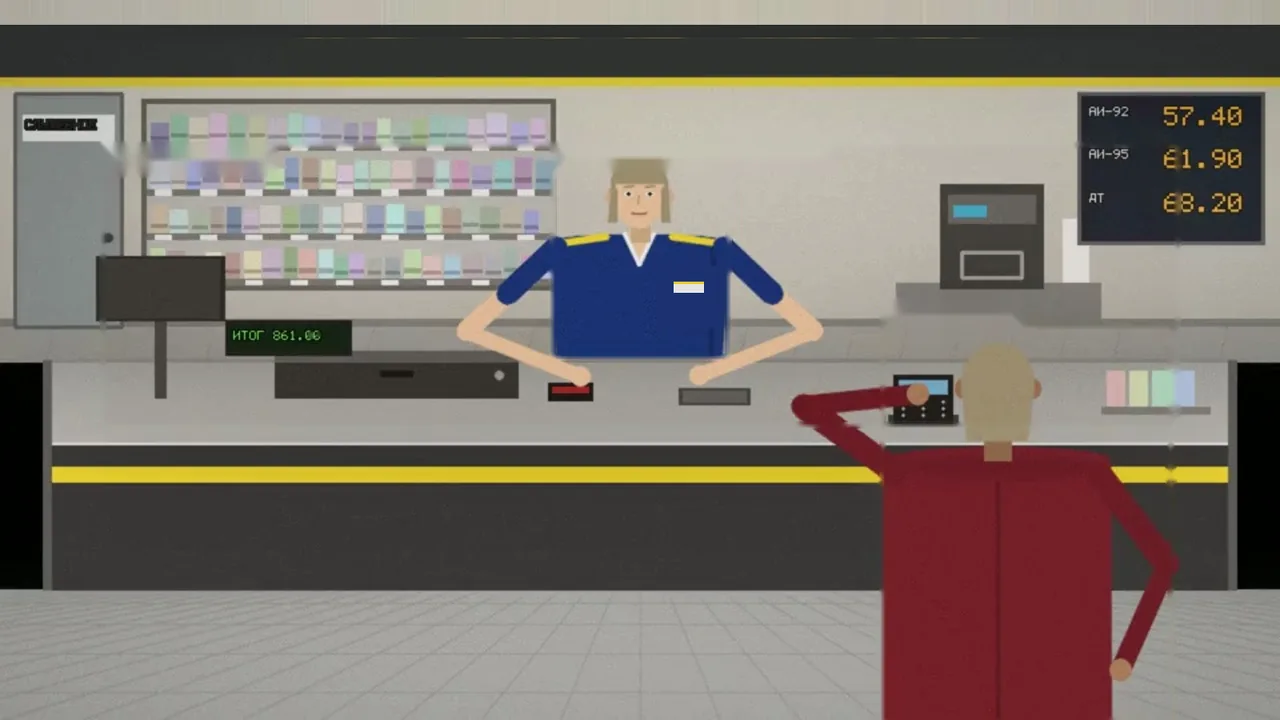
| Goods for an acquaintance | Goods handed to a customer | Not all items on the receipt, or no receipt | An “unscanned items” event with a clip of the handover |
| Someone else’s login | A different employee identified at the till | Logged in under a colleague’s account | A “working under someone else’s login” event — only with consent and a reference image |
| Frequent “no sale” transactions | Drawer openings | A series of “no sale” transactions | A flag in cashier and shift analytics |
| Recurring scheme | Similar events in different stores | Similar transactions | Chain-wide analytics; with n7kel Atlas connected, a case and tasks for the security department |
Privacy and the law
Customers are not recognized by default
- n7kel Antifraud does not recognize customers: what matters is whether a person was at the checkout, not who that person was. Visitor recognition is off by default and is enabled only by the client’s decision, as a separate module on a lawful basis — the person’s consent or an agreement with the authorized government bodies (checks against wanted lists);
- bystanders’ faces in event frames are irreversibly blurred on site equipment before saving;
- cashiers are identified only with their written consent; without consent, all checks work except “someone else’s login”;
- a violation is a signal for human review; the employee can see the clip and give an explanation;
- any restrictions you need are put in place at your request; all data stays with the client, is confidential and is not shared with third parties, except where expressly provided for by the agreement and the law;
- the final legal assessment is made by the client’s lawyer; we provide a staff notice template.
Integration
Connecting to your systems
- POS software and 1C — transactions via the REST API or as CSV and XLSX files with column mapping; we assess an adapter for your software based on its export;
- self-checkouts and scales — through their transaction logs;
- notifications to the security department — e-mail, Telegram, webhooks into your systems;
- events passed to n7kel Atlas, BI, the service desk and any other client systems;
- report export to Excel and PDF.
Hosting
Where the system runs
| In the store | At the central office | |
|---|---|---|
| Equipment | n7kel on-site unit next to the cameras | Server with chain analytics, event archive and reports |
| Video | Processed on site and does not leave the store | Only events with a frame and a clip arrive |
| No connection | Analysis continues; events are sent later | — |
| External services | Not used | Not used; a fully autonomous installation is available |
Pilot
Pilot: 2–4 weeks in 1–2 stores
Recordings and POS export
You provide recordings from the cameras above the checkouts and a sample export under a non-disclosure agreement.
Report on the recordings
Within 5 working days we return a report: what was found and which cameras are suitable.
Installation and calibration
We install the equipment, connect the POS and tune thresholds on your recordings.
Operation with no disciplinary action, and a report
The security department reviews events; the final report gives figures against the agreed criteria.
Questions
How does n7kel Antifraud differ from the Fuel Station Checkout module in n7kel Vakhta?
The technology base is the same. n7kel Antifraud is set up for the way checkouts are organized in stores — scanner, belt, self-checkouts — and for analytics across a retail chain. The fit with your checkout procedures is verified in the pilot.
Do the cameras need to be replaced?
As a rule, no. n7kel AI is trained and tested on ordinary 2D images, so the cameras you already have are suitable. 3D cameras are supported too, if they are already on site or the task requires them. For the checkout, what matters is an overhead view of the workplace.
Can we add our own fraud schemes?
Yes. We train n7kel AI further for the client’s tasks: new actions, objects and checkout scenarios, using examples from your stores.
How much does it cost?
The price is determined after the site survey: it depends on the number of stores, checkouts and cameras and on the chosen hosting option.
Let’s check your checkouts
Send us recordings from the cameras above your checkouts and a sample export, and we will show you what n7kel Antifraud finds in your stores.
The interfaces in the illustrations are schematic mockups with sample data.